Star on GitHub
FREEFLOW
100% LOCAL · OPEN SOURCE · FREE FOREVER

Hold a key. Speak.
Your words appear.

Freeflow is a native Swift dictation app for Mac. Free, open-source, and entirely on-device — your voice never leaves your machine.

speak freely — your words flow straight into your AI assistants.
↓ Download for Mac — v2.0.9 macOS 14+ · Apple Silicon · notarized
Downloads
145×faster than realtime
0network calls
465 MBone-time model
9.8 MBapp download
01 / WHY FREEFLOW

Dictation that stays
on your Mac.

Every feature ships on-device. Nothing you say is anyone's data.

01

Dictate anywhere

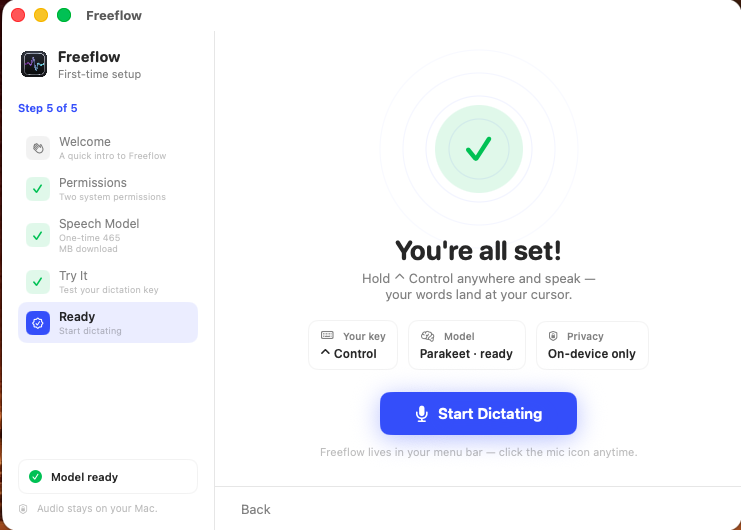
Hold your key and talk — your words land at the cursor, in any app on your Mac.

02

Private by default

Speech recognition runs on the Neural Engine. No servers, no API keys, no telemetry.

03

Instant results

Transcription at 145× real-time. Your sentence appears before you finish the next one.

04

Yours to keep

History, stats and themes — stored locally. Open source under MIT, forever.

02 / HOW IT WORKS

Three steps.
Under a minute.

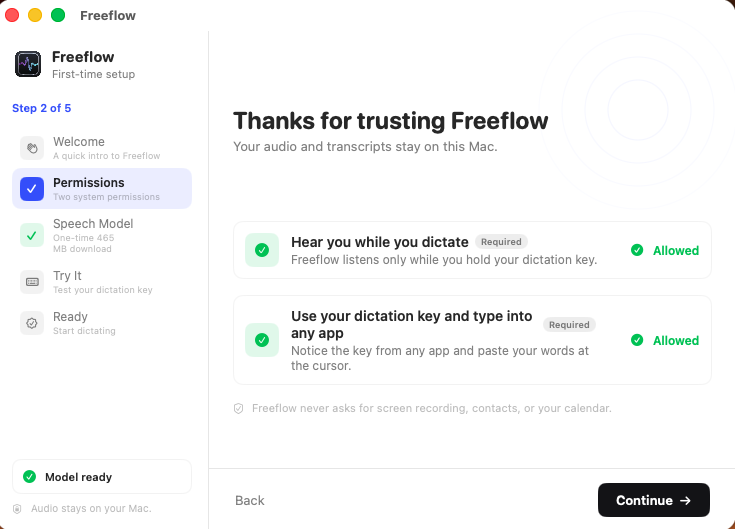
macOS asks for two permissions. The model downloads once. Then it's yours.

STEP 01

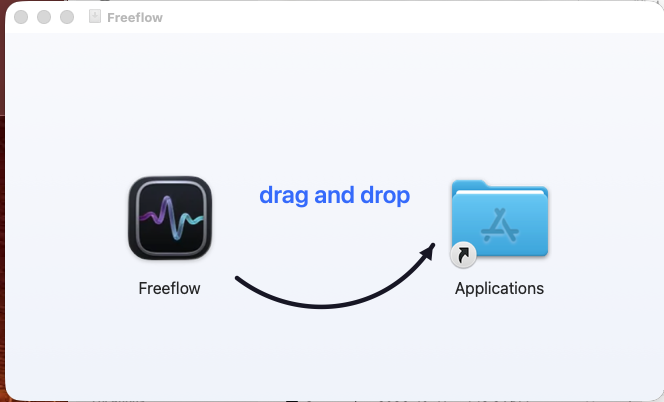
Drag & open

Drag Freeflow to Applications and launch it. Signed and notarized.

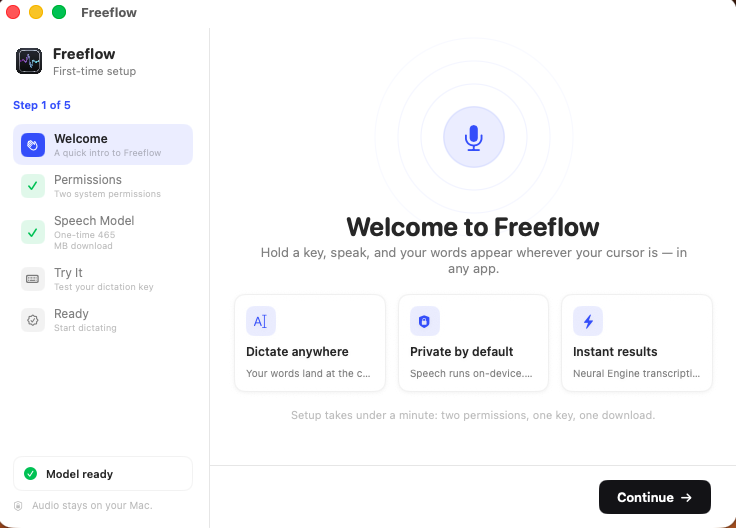
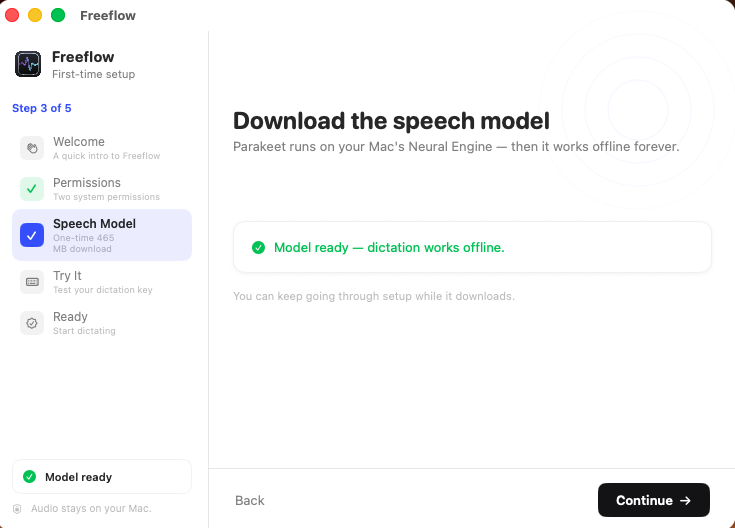
STEP 02

Grant & download

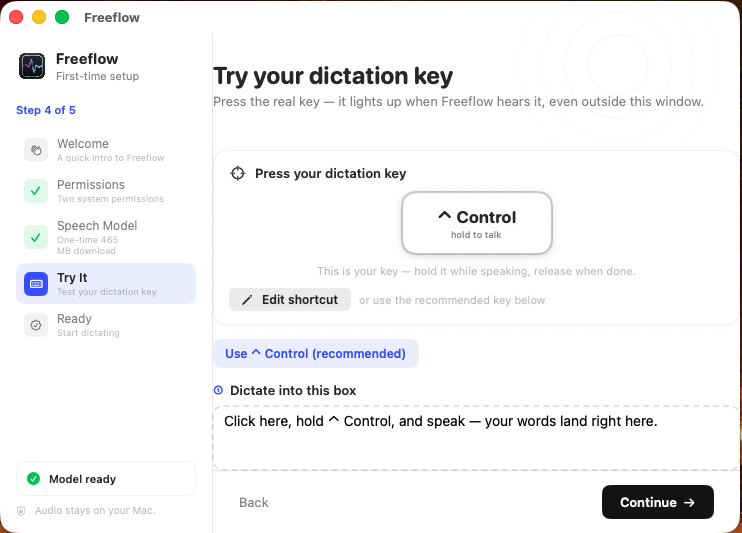
A one-minute wizard handles permissions and the ~465 MB model download.

STEP 03

Hold & speak

Hold ⌃ Control, talk naturally, release. Your words land at the cursor.

04 / PRIVACY

Your voice stays
on your Mac.

No cloud processing. No telemetry. No analytics. The transcription model runs entirely on your device — what you say is your business, not a training dataset.